Vita Deck
A downloadable tool
It maybe a little confusing at first to figure out how to setup keysets and
apply them, but this app has potential to be quite handy to some people..
- Install the VPK onto your Vita
- Run the Config.exe app on your PC
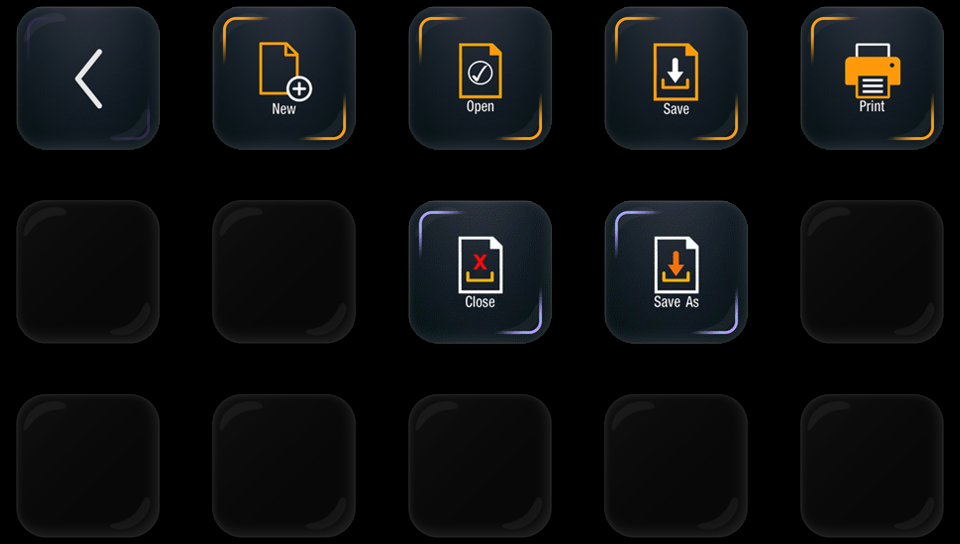
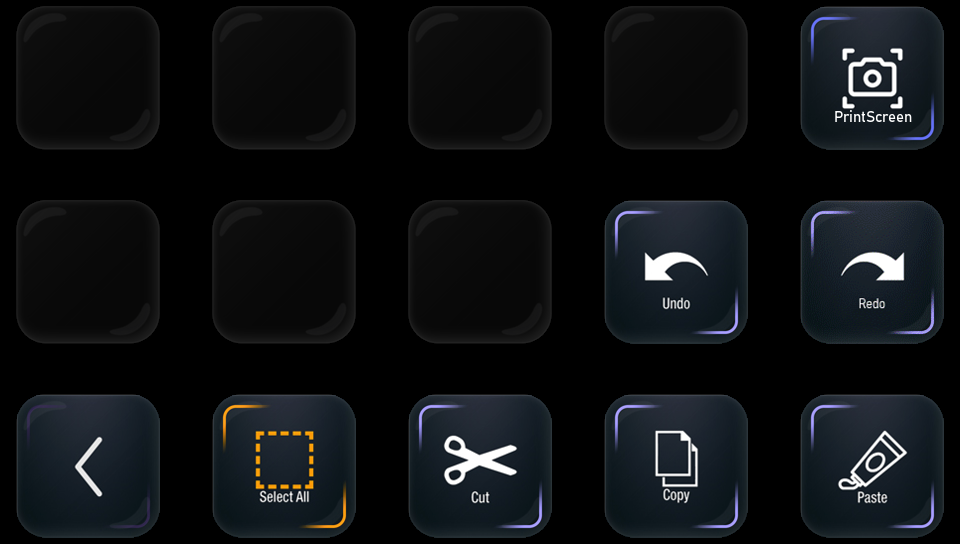
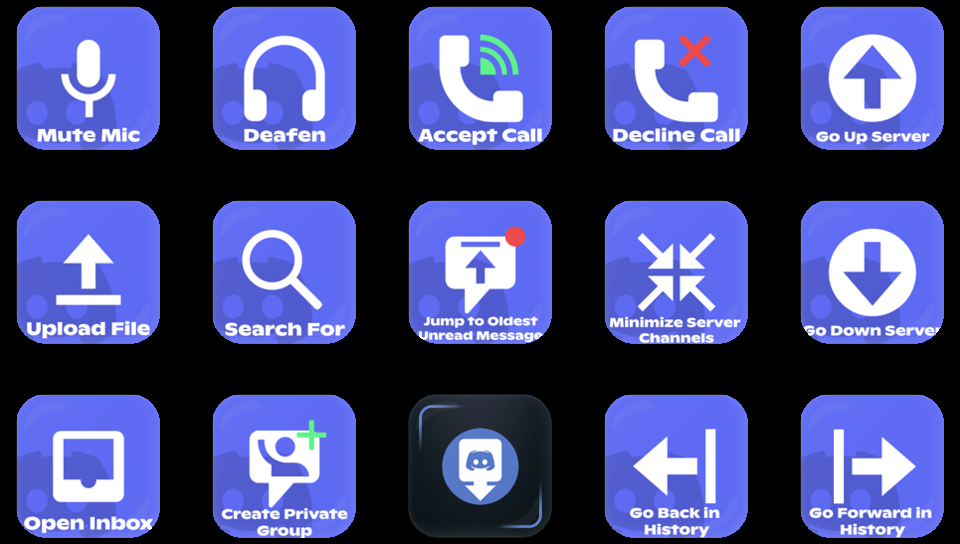
- Create your own StreamDeck layout (or use the included sample keyset)
- Launch SreamDeck and Send the keyset to the Vita to update its functions
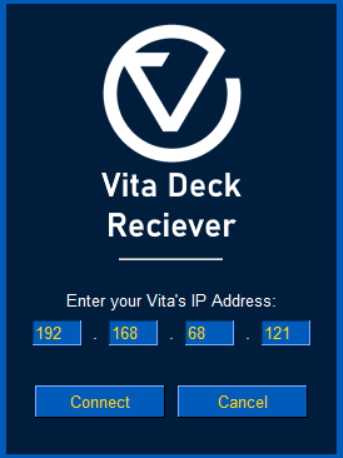
- Use the Receiver.exe app to link your Vita and PC using the IP address
- Close the Vita app and the PC app will disconnect so you can close it.
Download


Leave a comment
Log in with itch.io to leave a comment.